
Buying Guide
The Best Monitor Light Bars Under $50: Picks and Trade-offs
A practical comparison of 9 monitor light bars under $50, focused on features, build and practical fit, and the trade-offs between them.
By Jamie Cole, Lead Product Researcher
9 min read8 products evaluated
We may earn a commission from purchases made through links in this guide. Learn more.
Jump to
Eight monitor light bars under $50 ranked by buyer rating and review count. Covers auto-dimming USB bars, RGB backlight models with remotes, and budget options with CRI 95 for accurate desk illumination.
The under-$50 monitor light bar market is dominated by Quntis, LYMAX, and YEELIGHT models that deliver the core benefits of the category at accessible price points. Auto-dimming, CRI 95 or higher, and touch control are all available under $40. Wireless remote control and backlight features are available under $50. Smart ecosystem features (Govee, Razer) are not available in this price range.
The biggest performance gap between budget and premium bars is build quality and control ergonomics. Budget bars use plastic clips and touch controls that require reaching up to the bar. Premium bars use weighted counterbalance clips, desk dials, or wireless pucks that control from the desk surface without reaching. For home office setups where infrequent brightness adjustment is fine, a $40 budget bar covers the practical requirements with acceptable build quality.
At the $25 to $50 range, buyers can expect: asymmetric no-glare lens, CRI 95 or higher, auto-dimming sensor on mid-range models, touch or remote control, USB-An or USB-C power, and compatibility with most flat monitors. What this range does not typically provide: desk dial control (BenQ exclusive), smart ecosystem integration, built-in USB hub, or warranty longer than 1 year.
No other brand in this price range comes close to that review count, which makes it the default choice when validation is the primary decision factor. Competitors like LYMAX and YEELIGHT offer comparable specifications at slightly lower prices but with far fewer buyer reviews to validate their consistency.
Both include the standard white front task light plus rear RGB or backlight color. The white-only options (standard Quntis, YEELIGHT, LYMAX) are simpler and have higher review counts in this price range, indicating they are the more common purchase.
Filter by price, features, and compatibility.
Quick Picks
Our 8 recommendations at a glance. Tap a pick for the full verdict.
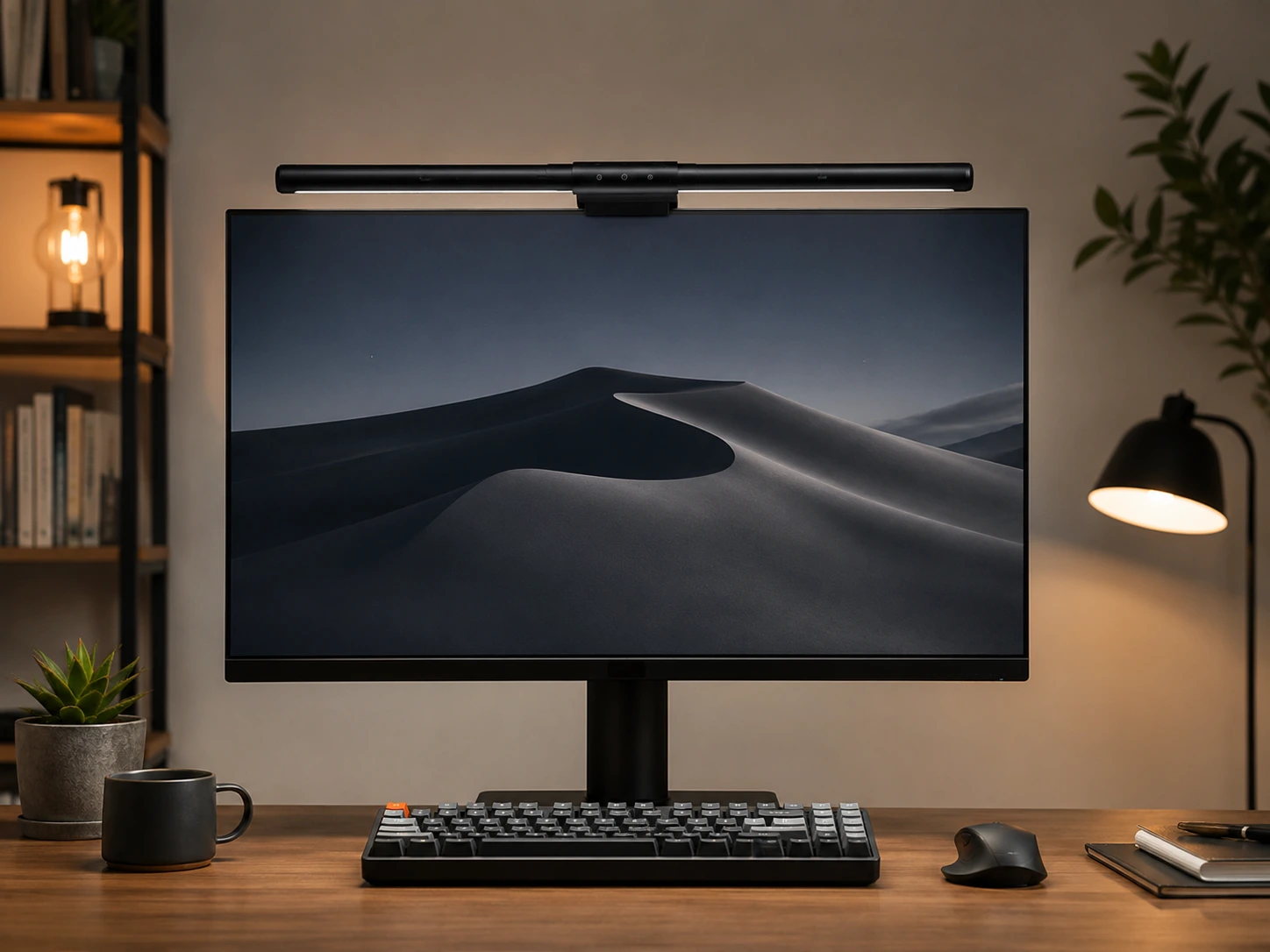
Best Overall Under $50
Quntis Computer Monitor Lamp, Auto-Dimming, 900 Lux
Home offices and work setups needing the most validated auto-dimming option under $50
Our take Check price for Quntis Computer Monitor Lamp, Auto-Dimming, 900 Lux (opens in a new tab)
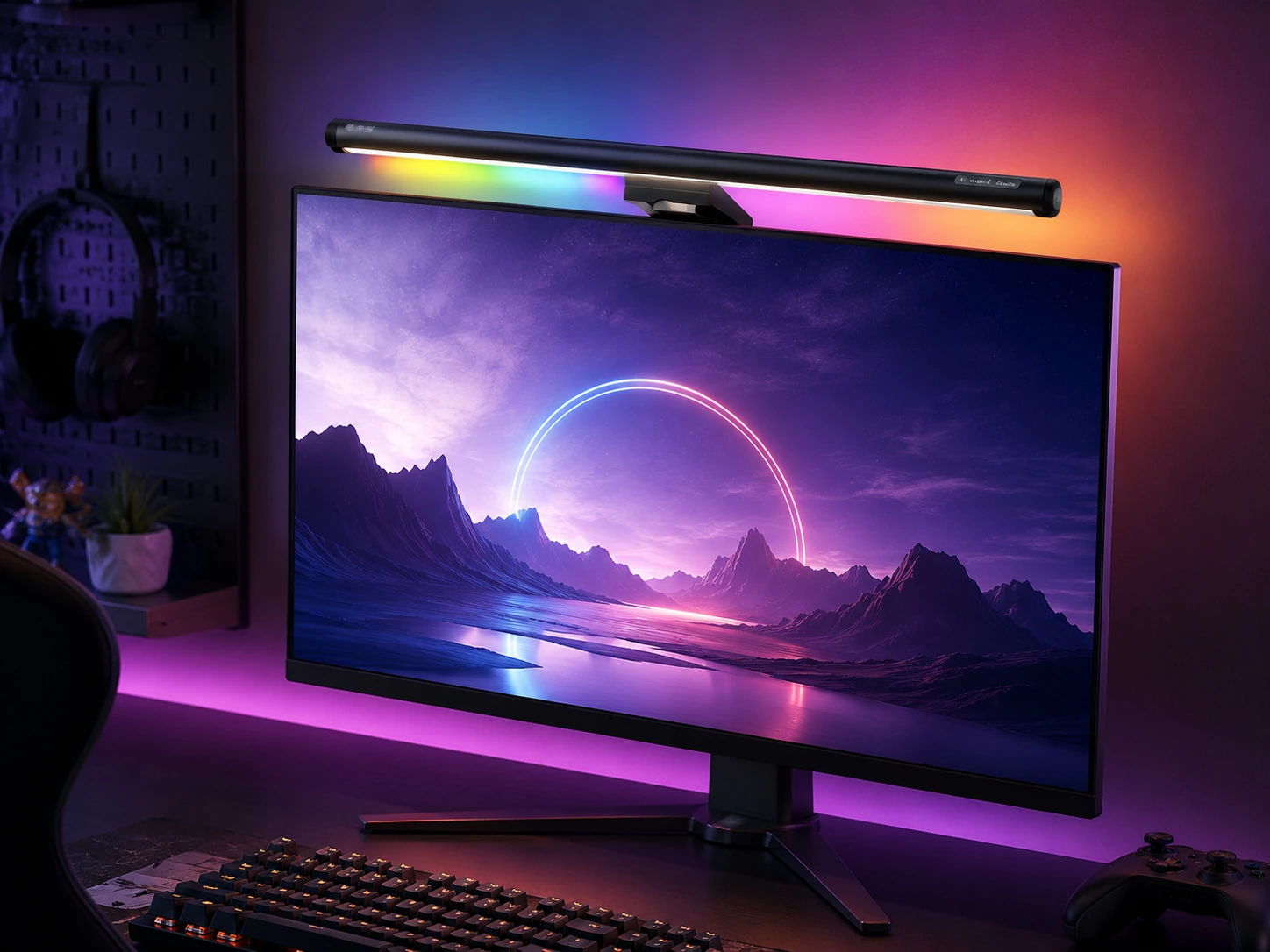
Best RGB Under $35
Quntis Monitor Light Bar, 15.7-inch, 24 RGB Backlight Modes
Desks where both white task lighting and RGB ambient backlight are wanted at under $35
Our take Check price for Quntis Monitor Light Bar, 15.7-inch, 24 RGB Backlight Modes (opens in a new tab)
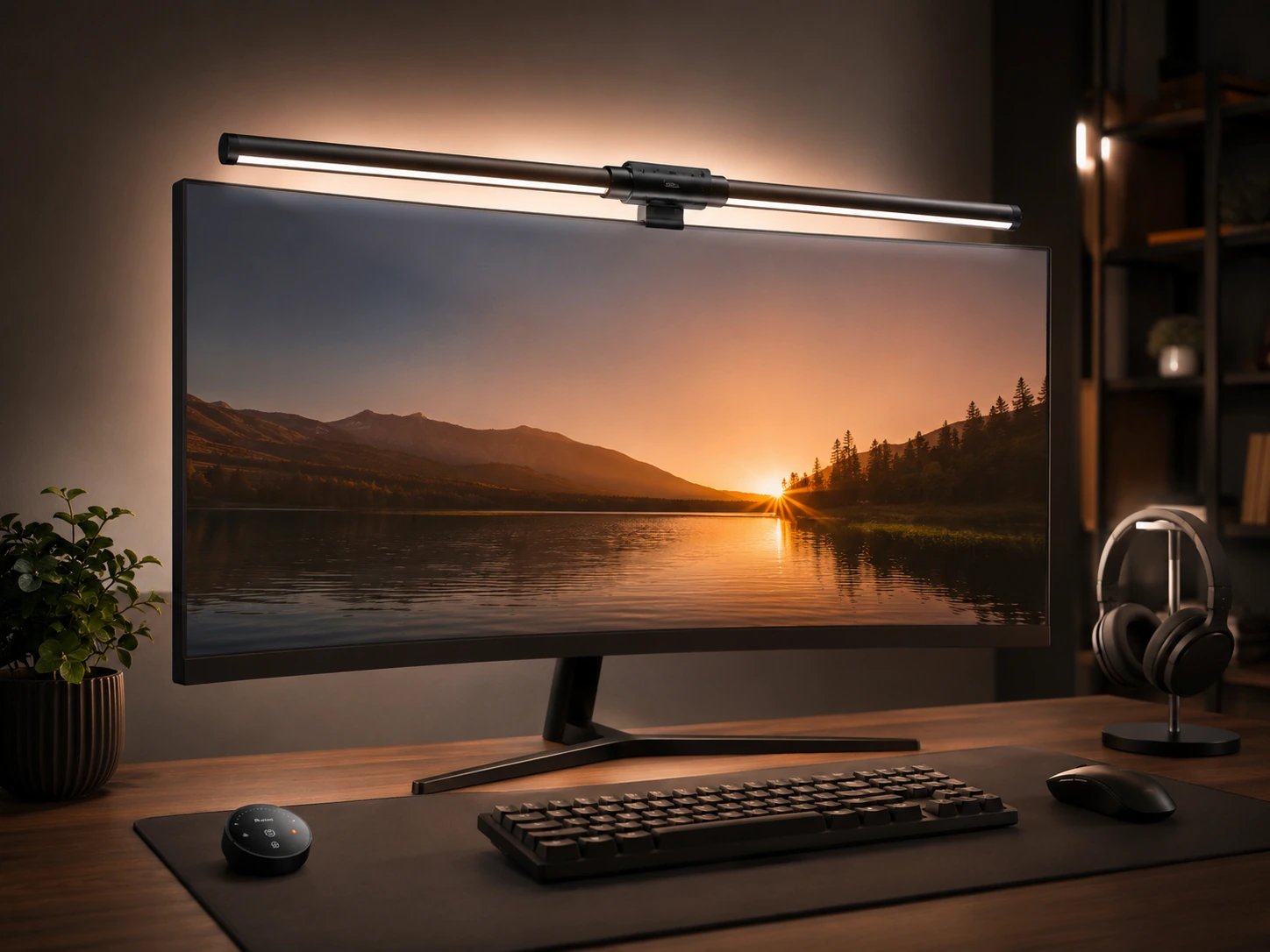
Best with Backlight Under $50
Quntis Monitor Light Bar with Backlight, 84 LEDs, Remote
Home offices and dark work environments where bias lighting and remote control are priorities under $50
Our take Check price for Quntis Monitor Light Bar with Backlight, 84 LEDs, Remote (opens in a new tab)
Best Budget Pick
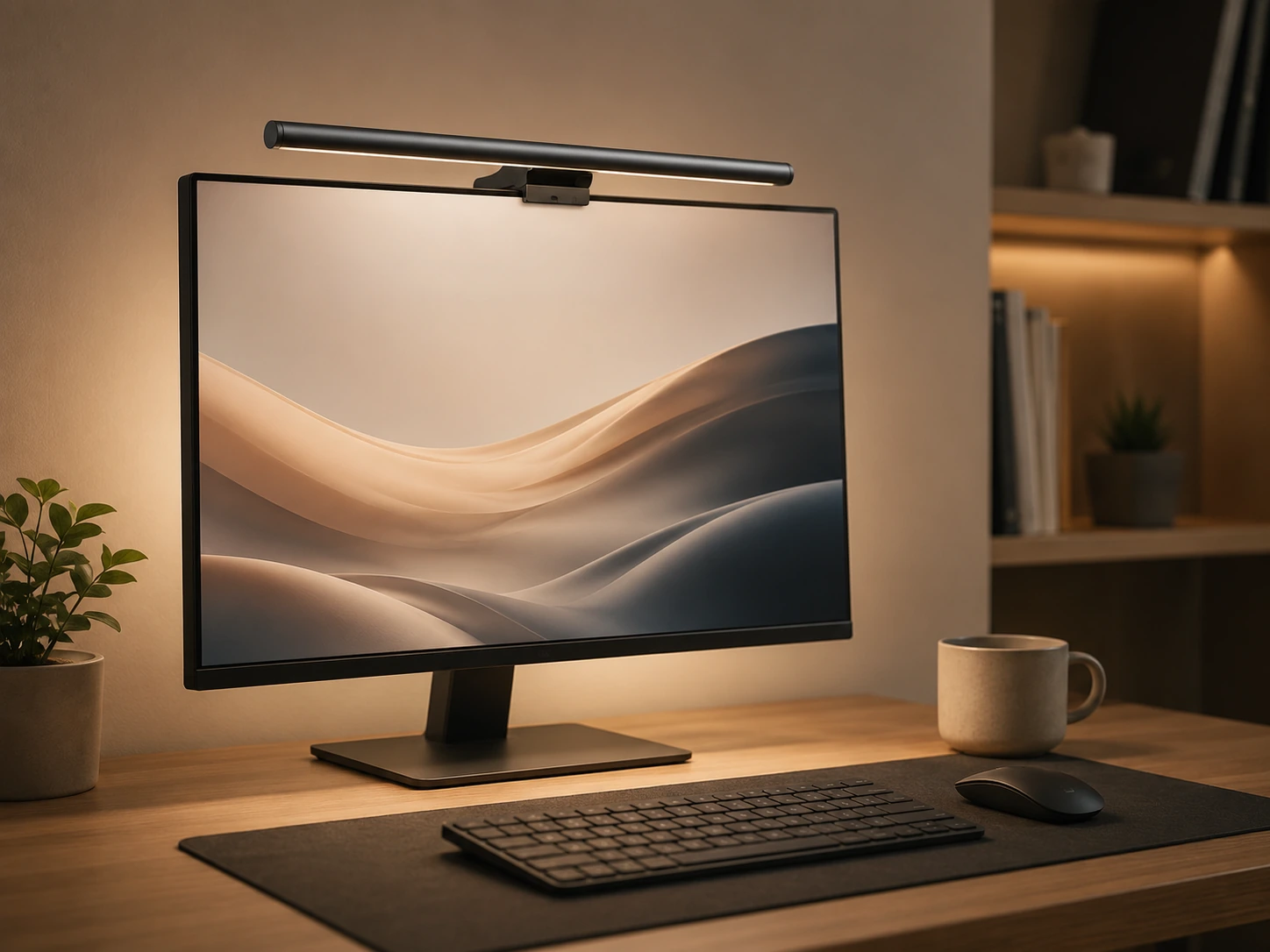
YEELIGHT Monitor Light Bar, Ra95 CRI, Stepless Dimming
Budget-conscious buyers who want solid color accuracy and the widest color temperature range under $30
Our take Check price for YEELIGHT Monitor Light Bar, Ra95 CRI, Stepless Dimming (opens in a new tab)
Best Remote Under $35
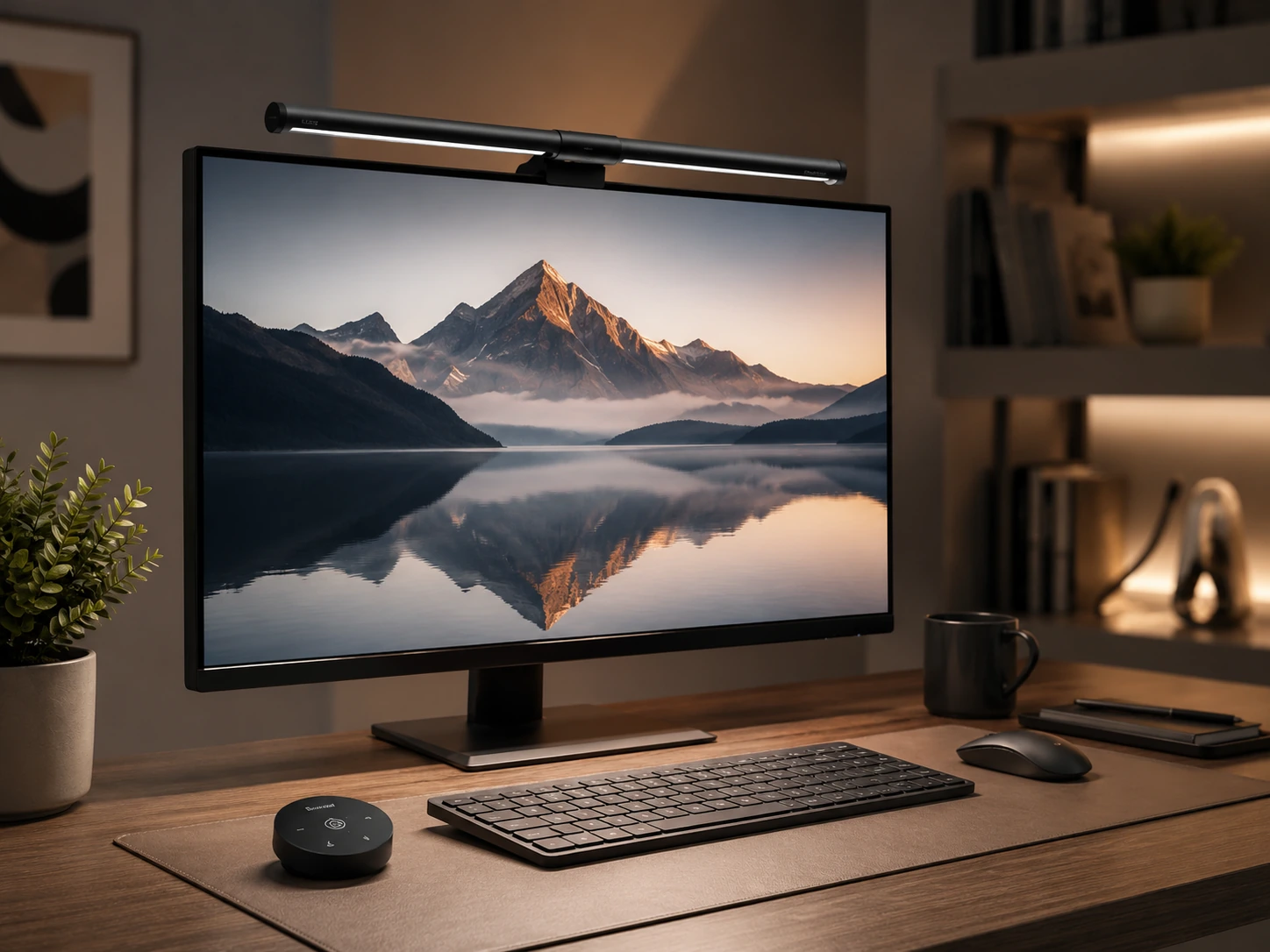
Quntis Monitor Light Bar with Remote, 84 LEDs, Auto-Dimming
home offices where wireless remote brightness control is needed at under $35
Our take Check price for Quntis Monitor Light Bar with Remote, 84 LEDs, Auto-Dimming (opens in a new tab)
Best LYMAX Standard
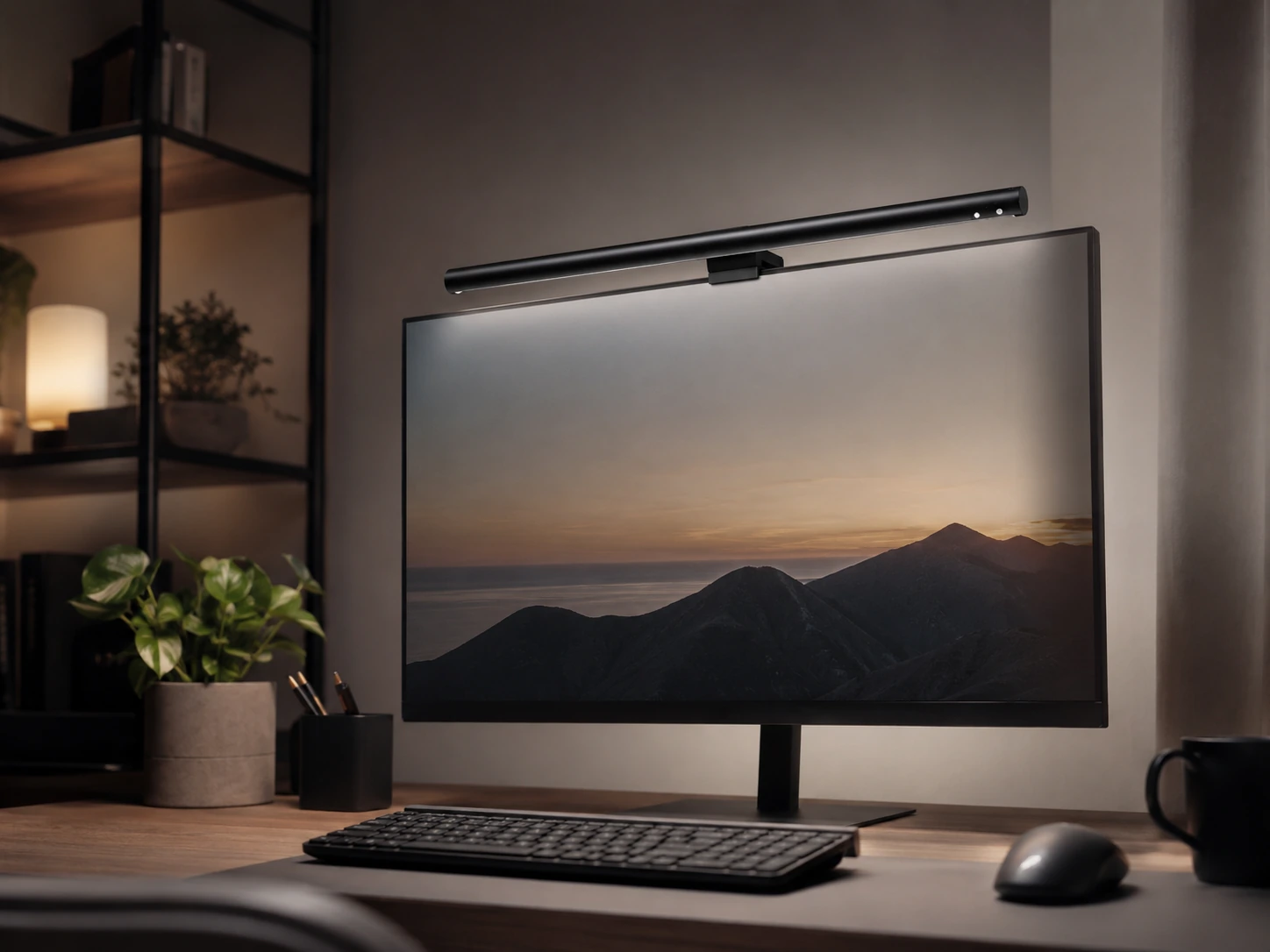
LYMAX Monitor Light Bar, USB-C, 3 Auto Dimming Modes
Buyers who want USB-C power compatibility and simple clip installation at under $30
Our take Check price for LYMAX Monitor Light Bar, USB-C, 3 Auto Dimming Modes (opens in a new tab)
Best LYMAX with Remote
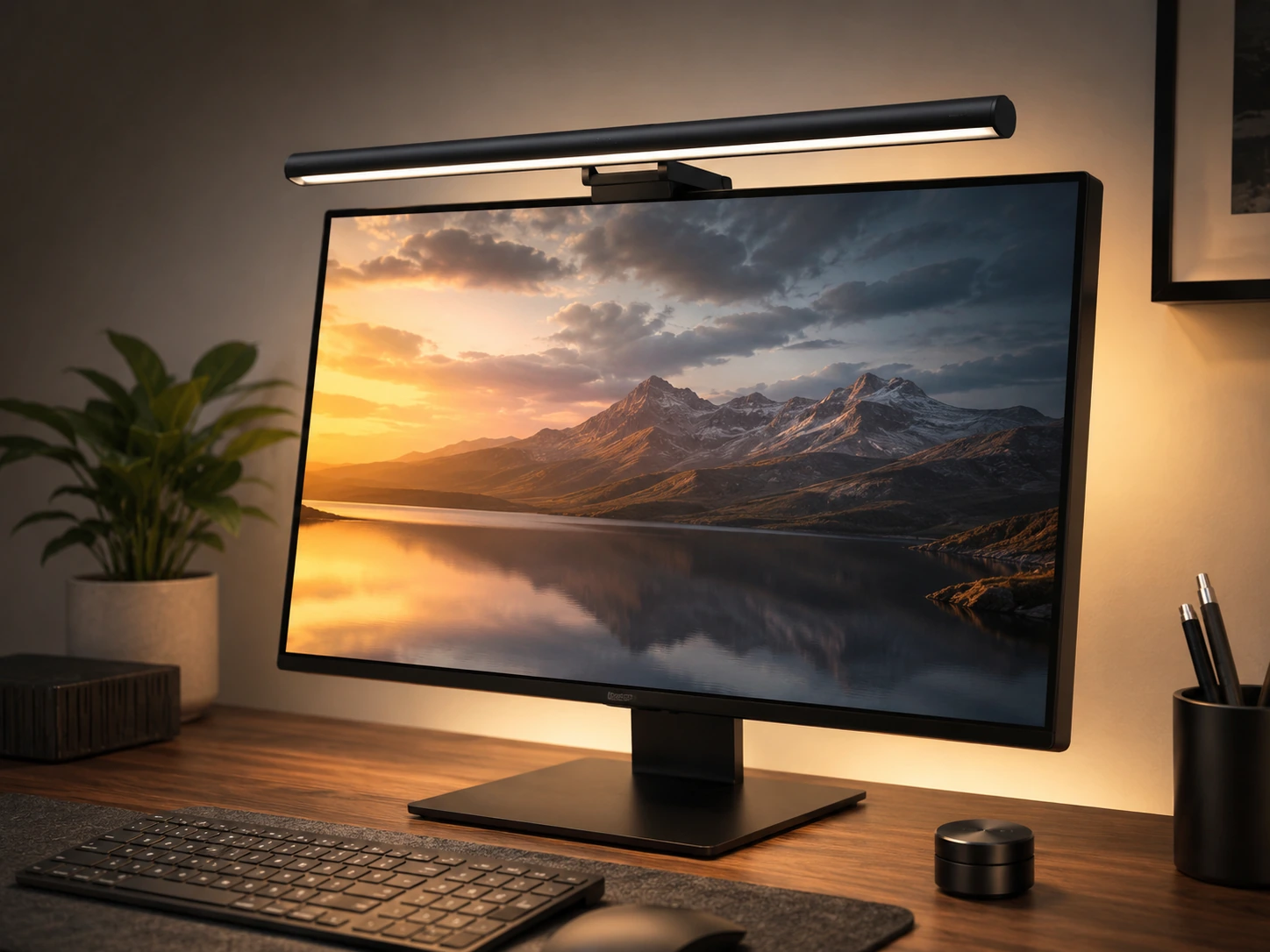
LYMAX Monitor Light Bar with Remote, Backlight, Ra95
Buyers who prefer the LYMAX brand and want both wireless remote and backlight features under $35
Our take Check price for LYMAX Monitor Light Bar with Remote, Backlight, Ra95 (opens in a new tab)
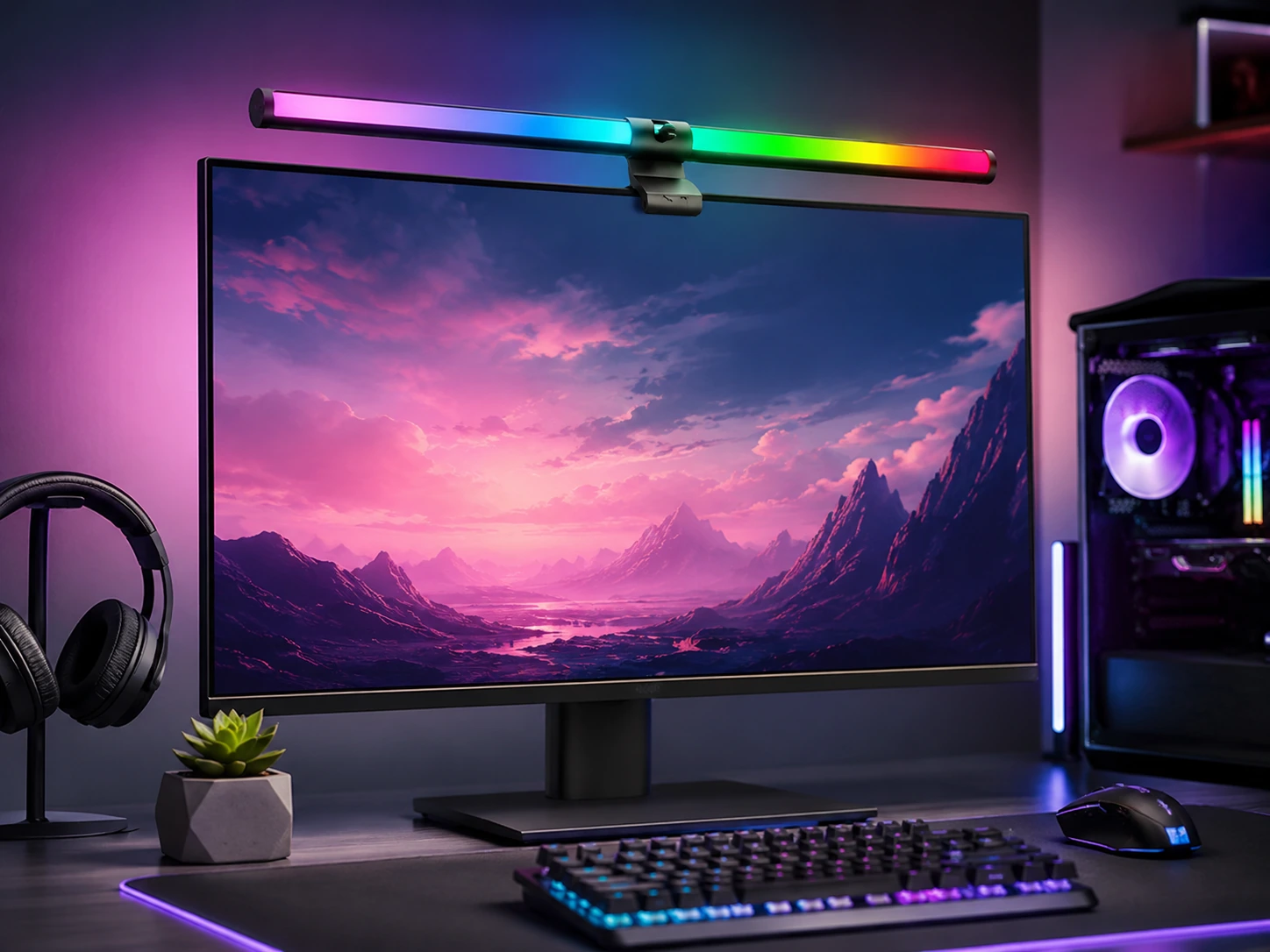
Best Under $20
SAMPHON RGB Monitor Light Bar, Dual Light, USB-C
Ultra-budget setups where sub-$20 is the firm ceiling and both white and RGB modes are wanted
Our take Check price for SAMPHON RGB Monitor Light Bar, Dual Light, USB-C (opens in a new tab)
Our Picks
Best Overall Under $501 of 8
Quntis Computer Monitor Lamp, Auto-Dimming, 900 Lux on Amazon (opens in a new tab)
The Quntis Computer Monitor Lamp clips onto the monitor bezel and directs 900 Lux of light downward onto the desk surface, keeping glare off the screen while illuminating keyboards, documents, and workspace items.
Best for
- Home offices and work setups needing the most validated auto-dimming option under $50
Why we like it
The auto-dimming sensor reads ambient light and adjusts brightness automatically, so you do not need to manually change settings when room lighting shifts throughout the day. 6-star average, it is the most validated option in this under-its price category by a wide margin. CRI 98 means colors on your desk and documents appear close to their true values, which benefits both creative work and general home office tasks.
Key dimensions & specs
- Auto-dimming sensor
- Touch control
- CRI 98
- 900 Lux
- No screen glare
- USB powered
Pros
- 13,623 reviews at 4.6 stars - most proven in category
- Auto-dimming removes manual brightness adjustments
- CRI 98 for accurate color rendering
- No-glare design
Cons
- Touch control only, no wireless remote
- No RGB or backlight feature
- 15.7-inch bar length best for monitors up to 27 inches
Best RGB Under $352 of 8
Quntis Monitor Light Bar, 15.7-inch, 24 RGB Backlight Modes on Amazon (opens in a new tab)
This Quntis bar adds 24 RGB backlight modes to the standard front desk illumination, giving the option of white task lighting or colored ambient effects behind the monitor depending on the situation.
Best for
- Desks where both white task lighting and RGB ambient backlight are wanted at under $35
Why we like it
It is the most affordable RGB option in this roundup with a meaningful review count. The front light outputs 900 Lux with CRI 95, which provides functional desk illumination alongside the decorative backlight. Touch control cycles through both brightness levels and backlight color modes. Buyers who only want white task lighting should consider the standard Quntis model instead.
Key dimensions & specs
- 15.7-inch bar
- 24 RGB backlight modes
- 900 Lux front light
- Touch control
- CRI 95
- USB powered
Pros
- 24 RGB backlight modes for ambient effects
- 900 Lux front light for desk use
- Affordable at $31.99
- 1,188 reviews at 4.5 stars
Cons
- Touch control only, no remote
- RGB control interface less polished than premium bars
- 15.7-inch length for monitors up to 27 inches
Best with Backlight Under $503 of 8
Quntis Monitor Light Bar with Backlight, 84 LEDs, Remote on Amazon (opens in a new tab)
The Quntis backlight model combines front task lighting with a rear-facing light that projects onto the wall behind the monitor, creating a bias lighting effect that reduces the contrast between the bright screen and the darker room.
Best for
- Home offices and dark work environments where bias lighting and remote control are priorities under $50
Why we like it
The wireless remote controls both front brightness and backlight intensity independently without touching the bar. Curved monitor compatibility means it fits both flat and curved panels. Buyers who want bias lighting at the top end of the under-its price budget will find this the most practical option.
Key dimensions & specs
- Front and backlight
- Wireless remote
- 84 LEDs
- CRI 95
- 3 lighting modes
- Curved monitor compatible
Pros
- 4.7 stars - highest rating in this roundup
- Bias backlight reduces eye strain in dark rooms
- Wireless remote for convenient control
- Curved monitor compatible
Cons
- Highest price in roundup at $49.99
- Backlight benefit reduced in bright rooms
- 971 reviews - less validated than standard Quntis
Best Budget Pick4 of 8
YEELIGHT Monitor Light Bar, Ra95 CRI, Stepless Dimming on Amazon (opens in a new tab)
The YEELIGHT bar offers CRI 95 and a full 2700K to 6500K color temperature range, which makes it the best value for accurate desk lighting in this roundup.
Best for
- Budget-conscious buyers who want solid color accuracy and the widest color temperature range under $30
Why we like it
Stepless dimming allows smooth brightness adjustment rather than fixed brightness steps, giving more precise control over lighting levels. The RG0 blue light safety certification indicates reduced blue light output compared to uncertified bars, which is relevant for buyers sensitive to blue light during long work sessions.
Key dimensions & specs
- CRI 95
- 78 LEDs
- Stepless dimming
- 2700K-6500K
- RG0 blue light safety
- Touch control
Pros
- Lowest price in roundup at $25.99
- Full 2700K-6500K range for warm to cool light
- CRI 95 for accurate colors
- RG0 blue light safety certification
- Stepless dimming for precise control
Cons
- 286 reviews - less validated than Quntis options
- Touch control only, no remote
- Newer brand with shorter track record
Best Remote Under $355 of 8
Quntis Monitor Light Bar with Remote, 84 LEDs, Auto-Dimming on Amazon (opens in a new tab)
The Quntis remote model adds a wireless remote to the standard Quntis feature set, allowing brightness and color temperature changes from across the desk without touching the bar.
Best for
- home offices where wireless remote brightness control is needed at under $35
Why we like it
Auto-dimming provides automatic adjustment when ambient light changes, and the 84 LED count delivers even illumination across the bar length. A night light mode reduces output to a very low level suitable for late-night use without full desk brightness, and a 2-hour timer allows automatic shut-off. It is the most affordable wireless remote option in this category.
Key dimensions & specs
- Wireless remote
- 84 LEDs
- Auto-dimming
- CRI 95
- Night light mode
- 2-hour timer
Pros
- Wireless remote under $35 - best value remote option
- Auto-dimming plus remote control
- Night light mode for low-light work
- 2-hour timer for auto-off
Cons
- 208 reviews - less validated than standard Quntis
- Night light mode may not suit all brightness needs
- Remote requires battery
Best LYMAX Standard6 of 8
LYMAX Monitor Light Bar, USB-C, 3 Auto Dimming Modes on Amazon (opens in a new tab)
The LYMAX bar uses a gravity damper clip that self-adjusts to different monitor thicknesses without requiring manual tightening, which simplifies installation compared to bars with fixed clip mechanisms.
Best for
- Buyers who want USB-C power compatibility and simple clip installation at under $30
Why we like it
USB-C power input works with a wider range of desk power sources than USB-An only bars. Three auto dimming modes let the sensor switch between preset brightness levels based on ambient light rather than continuously adjusting, which some buyers prefer for its more predictable behavior.
Key dimensions & specs
- USB-C powered
- 3 auto dimming modes
- 2900K-6000K
- 60 LEDs
- Gravity damper clip
- Touch control
Pros
- Gravity damper clip for tool-free installation
- USB-C power input
- 3 auto dimming modes for predictable behavior
- Affordable at $29.99
Cons
- 165 reviews - least validated LYMAX option
- 60 LEDs is fewer than Quntis 84-LED models
- Touch control only, no remote
Best LYMAX with Remote7 of 8
LYMAX Monitor Light Bar with Remote, Backlight, Ra95 on Amazon (opens in a new tab)
The LYMAX remote model adds a wireless remote and a backlight feature to the standard LYMAX bar, giving it a similar feature profile to the Quntis backlight model at a slightly lower price.
Best for
- Buyers who prefer the LYMAX brand and want both wireless remote and backlight features under $35
Why we like it
CRI 95 covers most practical lighting accuracy needs, and the 4 color modes include warm, neutral, cool, and a custom setting.
6-star rating is consistent with others in the roundup. Buyers who specifically want a LYMAX bar with remote and backlight will find this the only option in the lineup that combines both features.
Key dimensions & specs
- Wireless remote
- Backlight feature
- 4 color modes
- CRI 95
- USB-C powered
Pros
- Remote plus backlight under $35
- CRI 95 for accurate color
- USB-C power input
- 4 color modes including custom
Cons
- 125 reviews - least validated in this roundup
- Backlight less refined than Quntis backlight model
- Remote requires battery
Best Under $208 of 8
SAMPHON RGB Monitor Light Bar, Dual Light, USB-C on Amazon (opens in a new tab)
The SAMPHON bar is a dual-light design that includes both front desk illumination and rear RGB effects in a single unit, making it the only budget-tier option in this roundup with both lighting functions.
Best for
- Ultra-budget setups where sub-$20 is the firm ceiling and both white and RGB modes are wanted
Why we like it
Nine RGB backlight modes and three white color temperatures cover basic lighting needs for budget gaming and home office setups. 1-star rating it is the least validated option in this roundup, which reflects its low price point and newer release. USB-C power input supports both curved and flat monitor use. Buyers who need reliable long-term performance should consider the Quntis or YEELIGHT options instead.
Key dimensions & specs
- Dual light design
- 9 RGB backlight modes
- 3 color temperatures
- USB-C powered
- Curved and flat monitors
Pros
- Lowest price in roundup at $16.99
- Dual front and RGB backlight in one unit
- USB-C powered
- Works on curved and flat monitors
Cons
- 4.1 stars - lowest rating in this roundup
- 82 reviews - least validated option
- Build quality reflects sub-$20 price tier
Frequently Asked Questions
What features should I look for in a monitor light bar under $50?
The three most important features are auto-dimming, CRI rating, and control method. Auto-dimming handles brightness adjustments automatically when room light changes. CRI of 95 or higher ensures accurate color rendering on your desk and documents. Remote control (wireless) is more convenient than touch-only if you move around frequently. All three are available under $50 in this roundup.
Is the Quntis the best monitor light bar under $50?
6 stars, which is a stronger signal of consistent quality than any competitor in this price range. 99 adds wireless control for less money. 99 adds bias lighting for the highest price in this roundup.
Do budget monitor light bars reduce eye strain?
Yes, if they are designed to direct light onto the desk rather than toward the screen. All bars in this roundup use an asymmetric lens that projects light downward and forward, not toward the monitor. The main cause of eye strain these bars address is the contrast between a bright screen and a dimly lit desk. Any option in this roundup will reduce that contrast compared to using no desk lighting.
What is the difference between touch control and remote control on a light bar?
Touch control requires reaching up to the bar on top of the monitor to adjust settings. Remote control uses a wireless transmitter you can place anywhere on the desk and press without moving. Remote control is more convenient if your monitor is far from arm's reach or if you adjust brightness frequently.
Can these budget light bars be used with curved monitors?
Several options in this roundup are compatible with curved monitors. The Quntis with Backlight and Quntis with Remote both state curved monitor compatibility. The LYMAX models also support curved panels. The standard Quntis Computer Monitor Lamp and YEELIGHT work on gently curved monitors (1500R and above) but are not specifically designed for tight curves like 1000R. Check the product listing for the specific curvature radius your monitor uses.
Bottom Line
Best overall: Quntis Computer Monitor Lamp, Auto-Dimming, 900 Lux — best overall under $50 pick in this roundup. See the full verdicts above for every pick, with pros, cons and who each one suits.
Browse all the best monitor light bars under $50: picks and trade-offs on Amazon — Prime-eligible options with current pricing.