
Buying Guide
The Best 8-Port 2.5GbE Network Switches for a Better Desk Setup
We looked at 6 8-port 2.5GbE network switches side by side, with the trade-offs that separate them and who each one suits.
By Jamie Cole, Lead Product Researcher
8 min read6 products evaluated
5G speed is currently the sweet spot for a genuine multi-gig home office or gaming room upgrade, enough ports for a full desk setup of NAS, workstation, and gaming PC all running past Gigabit simultaneously.
5G switch without a faster uplink can bottleneck when all 8 ports are active simultaneously against a single Gigabit connection upstream.
Quick Picks
Our 6 recommendations at a glance. Tap a pick for the full verdict.

Best Overall
TP-Link TL-SG108S-M2 8-Port 2.5G Unmanaged Switch
buyers prioritizing 8x 2.5g ports, 40gbps capacity
Our take Check price for TP-Link TL-SG108S-M2 8-Port 2.5G Unmanaged Switch (opens in a new tab)

Best Gaming-Focused
BrosTrend 8-Port 2.5Gb Unmanaged Switch
buyers prioritizing 8x 2.5gb ports, 40gbps capacity
Our take Check price for BrosTrend 8-Port 2.5Gb Unmanaged Switch (opens in a new tab)

Best NETGEAR Option
NETGEAR MS308 8-Port 2.5G Unmanaged Switch
buyers prioritizing 8x 2.5g ports, fanless
Our take Check price for NETGEAR MS308 8-Port 2.5G Unmanaged Switch (opens in a new tab)

Best Gaming Alternative
TRENDnet TEG-S380 8-Port 2.5Gb Gaming Switch
buyers prioritizing 8x 2.5g ports, 40gbps capacity
Our take Check price for TRENDnet TEG-S380 8-Port 2.5Gb Gaming Switch (opens in a new tab)

Best Lifetime Warranty
TRENDnet TEG-S381 8-Port 2.5Gb Switch
buyers prioritizing 8x 2.5g ports, 40gbps capacity
Our take Check price for TRENDnet TEG-S381 8-Port 2.5Gb Switch (opens in a new tab)

Best with 10G SFP+ Uplinks
NICGIGA 10-Port 2.5G Switch (8x2.5G + 2x10G SFP+)
5g + 2x10g sfp+ uplinks
Our take Check price for NICGIGA 10-Port 2.5G Switch (8x2.5G + 2x10G SFP+) (opens in a new tab)
Our Picks
Best Overall1 of 6
TP-Link TL-SG108S-M2 8-Port 2.5G Unmanaged Switch
5G speeds so it drops right into a mixed-speed network without configuration.
Best for
- buyers prioritizing 8x 2.5g ports, 40gbps capacity
Why we like it
5G upgrade works over existing Cat5e cabling, no need to rewire to Cat6 first, which meaningfully lowers the real cost of a multi-gig upgrade for LAN parties, home offices, or small studios.
Key specs
- 8x 2.5G ports, 40Gbps capacity
- Works over existing Cat5e
- Fanless, unmanaged
Pros
- No Cat6 rewiring required for 2.5G speeds
- Fanless despite the multi-gig jump
- Auto-negotiates cleanly with Gigabit gear
Cons
- Unmanaged, no VLAN or QoS controls
- 2.5G ceiling, not a path to 5G/10G
Best Gaming-Focused2 of 6
BrosTrend 8-Port 2.5Gb Unmanaged Switch
5Gbps across all 8 RJ45 ports with 40Gbps switching capacity, no SFP complexity, just straightforward copper ports for gaming, home office, or LAN party setups.
Best for
- buyers prioritizing 8x 2.5gb ports, 40gbps capacity
Why we like it
It's plug-and-play with no software required, and the fanless design stays whisper-quiet even under demanding multi-device gaming or streaming loads.
Key specs
- 8x 2.5Gb ports, 40Gbps capacity
- No SFP, all-copper design
- Fanless, plug-and-play
Pros
- Full 2.5Gbps on all 8 ports without SFP complexity
- Fanless even under gaming/streaming loads
- Simple plug-and-play setup
Cons
- No management features
- Smaller brand than TP-Link/NETGEAR
Best NETGEAR Option3 of 6
NETGEAR MS308 8-Port 2.5G Unmanaged Switch
5Gbps ports, auto-negotiating with existing Cat5e or Cat6 cabling, sharing the same fanless energy-efficient design as NETGEAR's Gigabit GS-series.
Best for
- buyers prioritizing 8x 2.5g ports, fanless
Why we like it
5G speeds rather than a managed switch's added complexity.
Key specs
- 8x 2.5G ports, fanless
- Works with existing Cat5e/Cat6
- 802.3az energy-efficient
Pros
- Trusted NETGEAR build quality at 2.5G speeds
- No cable rewiring needed for 2.5G
- Fanless despite the multi-gig jump
Cons
- No management features
- US/CA regional model only
Best Gaming Alternative4 of 6
TRENDnet TEG-S380 8-Port 2.5Gb Gaming Switch
5G spec sheet with the same 40Gbps switching capacity and lifetime protection, marketed specifically toward gaming setups needing low-latency multi-gig connectivity.
Best for
- buyers prioritizing 8x 2.5g ports, 40gbps capacity
Key specs
- 8x 2.5G ports, 40Gbps capacity
- Gaming-focused marketing
- Lifetime protection, fanless
Pros
- Same lifetime warranty as TRENDnet's TEG-S381
- Backward compatible with Gigabit devices
- Fanless silent operation for gaming setups
Cons
- Functionally near-identical to the TEG-S381
- Unmanaged, no VLAN/QoS
Best Lifetime Warranty5 of 6
TRENDnet TEG-S381 8-Port 2.5Gb Switch
5GBASE-T ports with 40Gbps switching capacity, backed by TRENDnet's Lifetime Manufacturer Protection and NDAA/TAA compliance, in a durable metal housing with wall-mount flexibility.
Best for
- buyers prioritizing 8x 2.5g ports, 40gbps capacity
Why we like it
Like TRENDnet's other multi-gig switches, it's fanless for silent operation and works over existing Cat5e or better cabling without requiring a wiring upgrade.
Key specs
- 8x 2.5G ports, 40Gbps capacity
- Lifetime protection, NDAA/TAA compliant
- Fanless, wall mountable
Pros
- Lifetime warranty on a multi-gig switch
- No cable rewiring needed for 2.5G
- NDAA/TAA compliance for institutional buyers
Cons
- Unmanaged, no VLAN/QoS
- Smaller brand than TP-Link/NETGEAR in the US market
Best with 10G SFP+ Uplinks6 of 6
NICGIGA 10-Port 2.5G Switch (8x2.5G + 2x10G SFP+)
5G for compatibility with mixed-speed devices already on the network.
Best for
- 5g + 2x10g sfp+ uplinks
Key specs
- 8x 2.5G + 2x10G SFP+ uplinks
- 80Gbps switching capacity
- Fanless, 6KV lightning protection
Pros
- 10G SFP+ uplinks avoid an 8-port 2.5G bottleneck
- Fanless despite the multi-gig port mix
- Consistent surge protection across the NICGIGA line
Cons
- Budget brand, shorter track record
- SFP+ transceivers sold separately
How We Chose These 8-Port 2.5GbE Network Switches
Each pick was assessed across 5 criteria weighted for real-world use.
- Port Count & Speed Tier
- Verified the actual port count, Gigabit vs multi-gig speed rating, and whether every port runs at the advertised speed or only some do, since several switches mix full-speed and lower-speed ports.
- PoE Power Budget
- Checked the total PoE wattage budget against realistic device counts, not just the per-port maximum, since a switch's total power pool is what actually limits how many cameras or access points it can run.
- Management Depth
- Classified each switch as unmanaged, smart/easy-managed, or fully managed Layer 2/3, since this determines what troubleshooting and segmentation options are available after installation, not just at setup.
- Build & Mounting Flexibility
- Weighed fanless vs active cooling, metal vs plastic housing, and desktop/wall/rack mounting options against the switch's likely install environment.
- Real-World Documentation Honesty
- Favored listings that clearly state cabling requirements, host port requirements, and speed caveats over ones that only advertise the theoretical maximum.
What to Look for in an 8-Port 2.5GbE Network Switch
Key buying criteria so you get the right fit the first time.
Port count is a headroom decision, not a current-need one
Buy for what you'll plug in over the next 2-3 years, not just today. An 8-port switch that's already full the day it arrives means buying a second switch and daisy-chaining, which adds a hop of latency and another point of failure.
PoE budget is a shared pool, not per-port
A switch rated for 8 PoE+ ports at 120W total does not mean every port gets 30W simultaneously. Add up the real draw of every camera, AP, and phone you'll connect, and make sure the total budget clears it with room to spare.
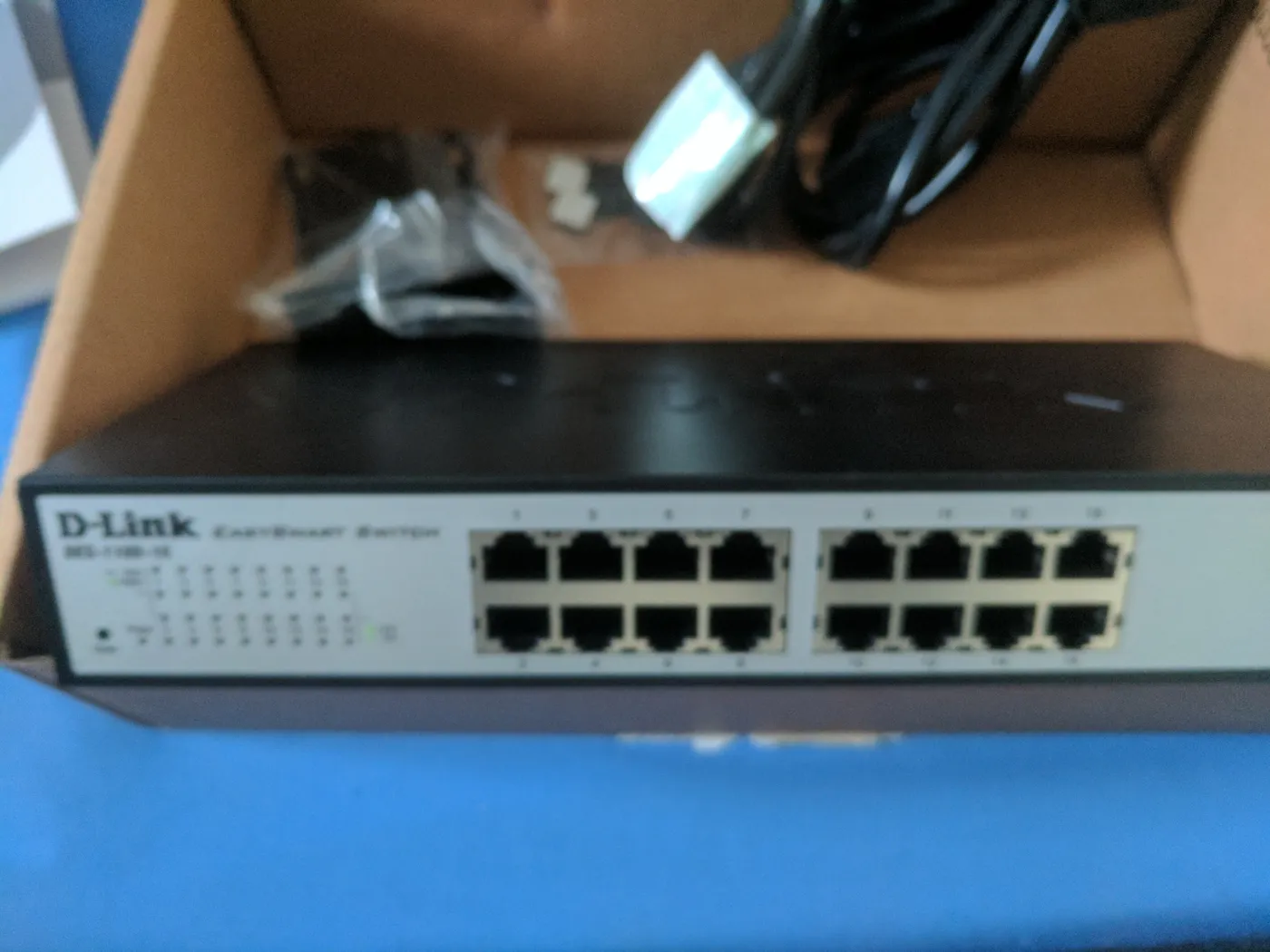
Sixteen port desktop network switch resting on its shipping box Managed vs unmanaged changes what you can diagnose later
An unmanaged switch is zero-configuration but gives you no visibility when something goes wrong. A smart-managed switch adds VLANs, port mirroring, and traffic monitoring for a modest price increase, worth it the first time you need to isolate a misbehaving device.
Fanless does not always mean silent under load
Most desktop switches are fanless and silent, but high-port-count PoE switches sometimes add active cooling once the power budget climbs past 200-300W. Check for a fan explicitly if a quiet office or bedroom install matters.
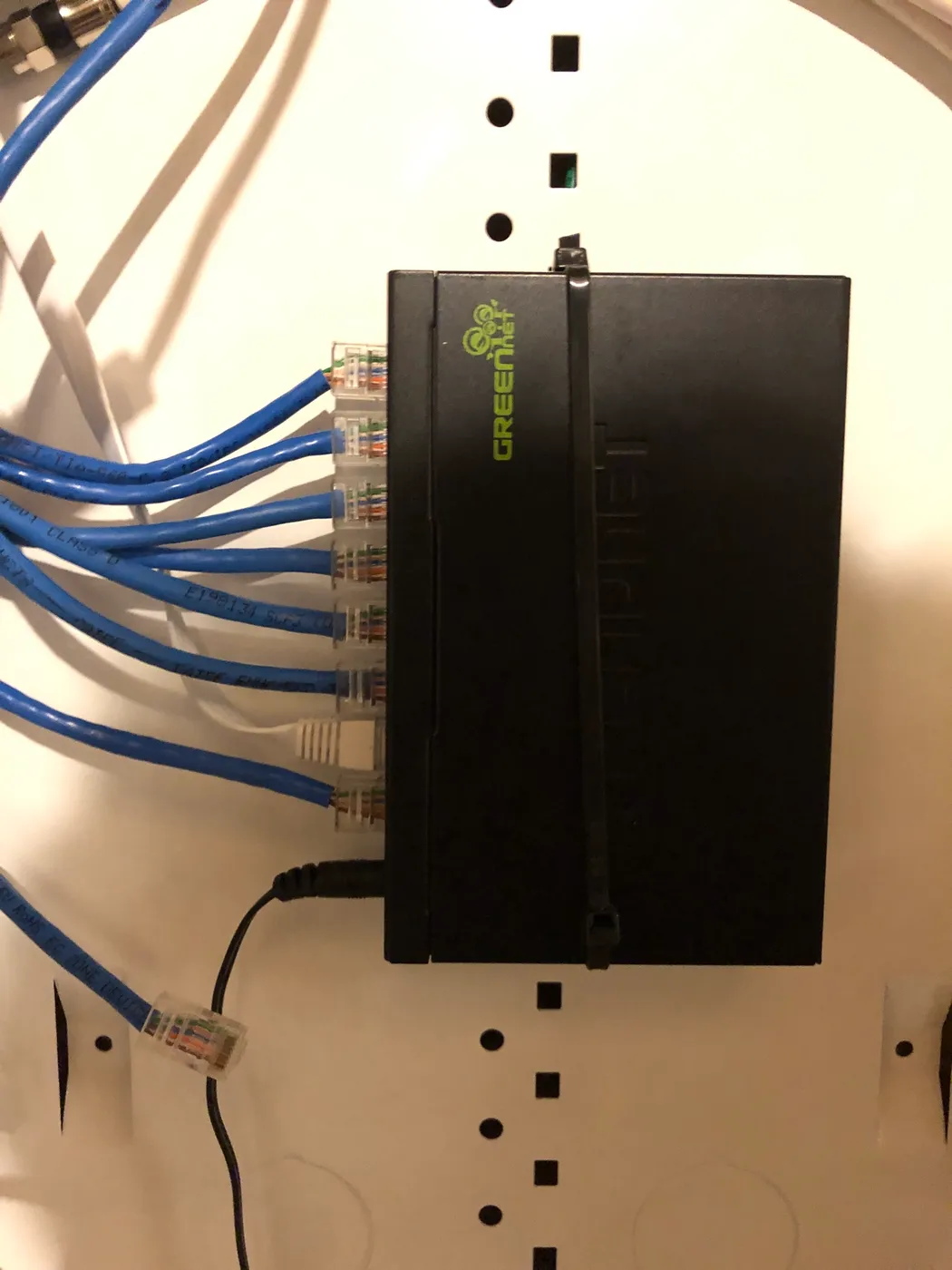
Compact network switch mounted on a board with blue Ethernet cables connected Multi-gig speed needs matching cable and network gear
5G or 10G switch only delivers those speeds if your cabling is Cat5e or better (Cat6a for 10G) and the devices on both ends actually support that speed. Mixing a multi-gig switch into an all-Gigabit network gets you nothing extra.
Renewed enterprise gear needs a licensing check first
Cisco Meraki, Juniper, and some Aruba/HPE switches on Amazon are frequently sold as renewed hardware without an active license or support contract. Confirm what functions before assuming a discounted enterprise switch works like a new one out of the box.
How to Choose an 8-Port 2.5GbE Network Switch
Do You Need a 10G Uplink?
5G connection to your router.
| Use case | Best pick |
|---|---|
| Standard multi-device home office | 5G switch in this list |
| Heavy simultaneous NAS + gaming + streaming | NICGIGA 10-port with 10G SFP+ uplinks |
Frequently Asked Questions
Do I need a Cat6 cable upgrade for 8-port 2.5G?
5Gbps on all 8 ports, a genuine cost saver over 10G's Cat6a cabling requirement.
Bottom Line
Best overall: TP-Link TL-SG108S-M2 8-Port 2.5G Unmanaged Switch — best overall pick in this roundup. See the full verdicts above for every pick, with pros, cons and who each one suits.
Browse all 8-port 2.5gbe network switches on Amazon — Prime-eligible options with current pricing.