
Buying Guide
The Best 5-Port PoE Network Switches for Everyday Desk Work
We looked at 5 5-port PoE network switches side by side, with the trade-offs that separate them and who each one suits.
By Jamie Cole, Lead Product Researcher
7 min read5 products evaluated
5-port PoE switches typically dedicate 4 ports to PoE output plus one uplink, right-sized for a small home security camera setup or extending WiFi with one or two additional access points without buying more capacity than needed.
We compared this cluster on total PoE budget and any distance-extension features, since 5-port PoE switches vary meaningfully in real power delivery despite near-identical port counts.
Quick Picks
Our 5 recommendations at a glance. Tap a pick for the full verdict.

Best Overall, Dynamic Allocation
NETGEAR GS305P 5-Port PoE Gigabit Switch
Buyers prioritizing 5 ports, 4x poe+ at 63w total
Our take Check price for NETGEAR GS305P 5-Port PoE Gigabit Switch (opens in a new tab)

Best Value
TP-Link TL-SG1005P 5-Port Gigabit PoE Switch
Buyers prioritizing 4x poe+ ports @65w total, 1 uplink
Our take Check price for TP-Link TL-SG1005P 5-Port Gigabit PoE Switch (opens in a new tab)

Best Budget Fast Ethernet
TP-Link TL-SF1005P 5-Port Fast Ethernet PoE Switch
Buyers prioritizing 4x poe+ @67w total, fast ethernet
Our take Check price for TP-Link TL-SF1005P 5-Port Fast Ethernet PoE Switch (opens in a new tab)

Best with VLAN Isolation
YuanLey 5-Port Gigabit PoE Switch, 78W
Buyers prioritizing 4x poe ports @78w total
Our take Check price for YuanLey 5-Port Gigabit PoE Switch, 78W (opens in a new tab)

Best Industrial DIN-Rail
5-Port Industrial PoE DIN-Rail Switch, 30W/Port
Buyers prioritizing 5x poe ports @30w/port, industrial
Our take Check price for 5-Port Industrial PoE DIN-Rail Switch, 30W/Port (opens in a new tab)
Our Picks
Best Overall, Dynamic Allocation1 of 5
NETGEAR GS305P 5-Port PoE Gigabit Switch
The GS305P packs 4 PoE+ ports into a 5-port Gigabit switch with a 63W total power budget and dynamic PoE allocation that redistributes unused wattage to whichever connected device needs it most, useful when running a mix of cameras and access points with different draw.
Best for
- Buyers prioritizing 5 ports, 4x poe+ at 63w total
Why we like it
It stays fully unmanaged and fanless despite adding power delivery, keeping setup at true plug-and-play. The compact metal housing supports desktop or wall placement for tight installs near cameras or APs.
Key specs
- 5 ports, 4x PoE+ at 63W total
- Dynamic PoE power reallocation
- Fanless, unmanaged
Pros
- Dynamic power allocation avoids manual budgeting
- Compact enough for tight camera/AP closets
- Fanless despite PoE power delivery
Cons
- 63W budget limits high-draw device counts
- No per-port PoE control since it's unmanaged
Best Value2 of 5
TP-Link TL-SG1005P 5-Port Gigabit PoE Switch
TP-Link's TL-SG1005P delivers 4 PoE+ ports at up to 30W each with a 65W total budget alongside 1 non-PoE Gigabit port, plus Port-based QoS and IGMP Snooping for prioritizing camera or VoIP traffic.
Best for
- Buyers prioritizing 4x poe+ ports @65w total, 1 uplink
Why we like it
The metal shielded-port case is built for the same desktop or wall-mount flexibility as TP-Link's non-PoE models, and it carries the identical 3-year warranty and free technical support.
Key specs
- 4x PoE+ ports @65W total, 1 uplink
- QoS + IGMP snooping
- 3-year warranty
Pros
- 65W budget covers most camera/AP deployments
- QoS built in despite unmanaged design
- Consistent 3-year warranty
Cons
- Only 1 non-PoE uplink port
- No per-port power monitoring
Best Budget Fast Ethernet3 of 5
TP-Link TL-SF1005P 5-Port Fast Ethernet PoE Switch
The TL-SF1005P is a Fast Ethernet (10/100Mbps), not Gigabit, PoE switch with 4 PoE+ ports and a 67W combined budget, appropriate specifically for lower-bandwidth PoE devices like basic IP cameras or VoIP phones that don't need Gigabit speeds.
Best for
- Buyers prioritizing 4x poe+ @67w total, fast ethernet
Why we like it
It shares the Extend Mode, Priority Mode, and Auto Recovery features of TP-Link's Gigabit PoE switches, just at Fast Ethernet speeds, making it a budget-appropriate choice when Gigabit throughput isn't the bottleneck.
Key specs
- 4x PoE+ @67W total, Fast Ethernet
- Extend Mode + Priority Mode
- Fanless, 3-year warranty
Pros
- Lower price appropriate for basic PoE camera/phone use
- Extend and Priority modes carry over from Gigabit models
- 3-year warranty despite the lower price tier
Cons
- Fast Ethernet only, not Gigabit, a real bottleneck for modern devices
- Just 4 PoE ports
Best with VLAN Isolation4 of 5
YuanLey 5-Port Gigabit PoE Switch, 78W
YuanLey's 5-port switch includes 4 Gigabit PoE ports with a 78W total budget and one-key VLAN isolation that separates all PoE ports from each other to prevent network storms, a useful security feature for a budget unmanaged switch.
Best for
- Buyers prioritizing 4x poe ports @78w total
Why we like it
It auto-detects PoE and non-PoE devices without configuration, and the compact durable metal design with bilateral heat dissipation keeps it running cool across security monitoring, office, or home network deployments.
Key specs
- 4x PoE ports @78W total
- One-key VLAN isolation
- Auto device detection
Pros
- One-key VLAN isolation is unusual on an unmanaged switch
- 78W budget solid for 4 PoE ports
- Auto-detects PoE vs non-PoE devices
Cons
- Budget brand, shorter track record than TP-Link/NETGEAR
- Only 5 total ports
Best Industrial DIN-Rail5 of 5
5-Port Industrial PoE DIN-Rail Switch, 30W/Port
18-inch housing, with 12-48V DC redundant input for flexible power sourcing.
Best for
- Buyers prioritizing 5x poe ports @30w/port, industrial
Why we like it
The industrial-grade aluminum housing handles -40°C to 75°C operation, and DIN-rail plus wall-mount hardware ships included for control cabinet installs.
Key specs
- 5x PoE ports @30W/port, industrial
- -40°C to 75°C, 12-48V DC input
- DIN-rail + wall mount included
Pros
- 30W per port supports higher-draw PoE devices
- Wide temperature range suits industrial settings
- Redundant DC power input
Cons
- Ultra-small size limits total PoE budget across all 5 ports
- Niche industrial brand
How We Chose These 5-Port PoE Network Switches
Each pick was assessed across 5 criteria weighted for real-world use.
- Port Count & Speed Tier
- Verified the actual port count, Gigabit vs multi-gig speed rating, and whether every port runs at the advertised speed or only some do, since several switches mix full-speed and lower-speed ports.
- PoE Power Budget
- Checked the total PoE wattage budget against realistic device counts, not just the per-port maximum, since a switch's total power pool is what actually limits how many cameras or access points it can run.
- Management Depth
- Classified each switch as unmanaged, smart/easy-managed, or fully managed Layer 2/3, since this determines what troubleshooting and segmentation options are available after installation, not just at setup.
- Build & Mounting Flexibility
- Weighed fanless vs active cooling, metal vs plastic housing, and desktop/wall/rack mounting options against the switch's likely install environment.
- Real-World Documentation Honesty
- Favored listings that clearly state cabling requirements, host port requirements, and speed caveats over ones that only advertise the theoretical maximum.
What to Look for in a 5-Port PoE Network Switch
Key buying criteria so you get the right fit the first time.
Port count is a headroom decision, not a current-need one
Buy for what you'll plug in over the next 2-3 years, not just today. An 8-port switch that's already full the day it arrives means buying a second switch and daisy-chaining, which adds a hop of latency and another point of failure.
PoE budget is a shared pool, not per-port
A switch rated for 8 PoE+ ports at 120W total does not mean every port gets 30W simultaneously. Add up the real draw of every camera, AP, and phone you'll connect, and make sure the total budget clears it with room to spare.
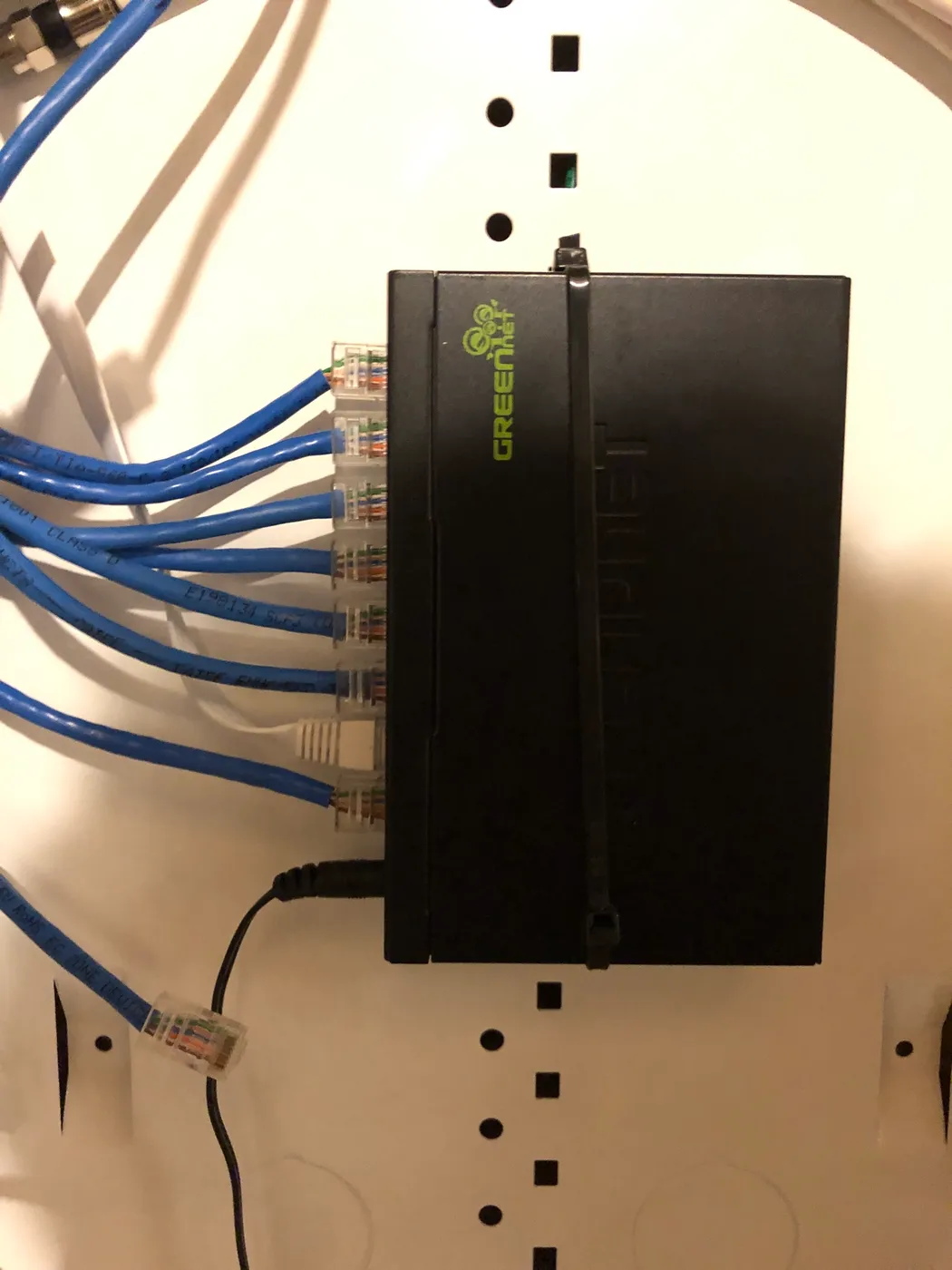
Compact network switch mounted on a board with blue Ethernet cables connected Managed vs unmanaged changes what you can diagnose later
An unmanaged switch is zero-configuration but gives you no visibility when something goes wrong. A smart-managed switch adds VLANs, port mirroring, and traffic monitoring for a modest price increase, worth it the first time you need to isolate a misbehaving device.
Fanless does not always mean silent under load
Most desktop switches are fanless and silent, but high-port-count PoE switches sometimes add active cooling once the power budget climbs past 200-300W. Check for a fan explicitly if a quiet office or bedroom install matters.
Network rack with neatly bundled purple Ethernet cables routed to a patch panel Multi-gig speed needs matching cable and network gear
5G or 10G switch only delivers those speeds if your cabling is Cat5e or better (Cat6a for 10G) and the devices on both ends actually support that speed. Mixing a multi-gig switch into an all-Gigabit network gets you nothing extra.
Renewed enterprise gear needs a licensing check first
Cisco Meraki, Juniper, and some Aruba/HPE switches on Amazon are frequently sold as renewed hardware without an active license or support contract. Confirm what functions before assuming a discounted enterprise switch works like a new one out of the box.
How to Choose a 5-Port PoE Network Switch
By Use Case
| Use case | Best pick |
|---|---|
| 4-camera home security setup | NETGEAR GS305P (63W, dynamic allocation) |
| Basic IP cameras or VoIP phones, budget-conscious | TP-Link TL-SF1005P (Fast Ethernet) |
| Industrial control cabinet install | 5-Port Industrial PoE DIN-Rail Switch |
Frequently Asked Questions
Is 4 PoE ports enough for a small camera system?
Yes, for most single-room or small-property setups. If you're planning to expand past 4 cameras, consider an 8-port PoE switch from the start to avoid a near-term upgrade.
Bottom Line
Best overall: NETGEAR GS305P 5-Port PoE Gigabit Switch — best overall, dynamic allocation pick in this roundup. See the full verdicts above for every pick, with pros, cons and who each one suits.
Browse all 5-port poe network switches on Amazon — Prime-eligible options with current pricing.